
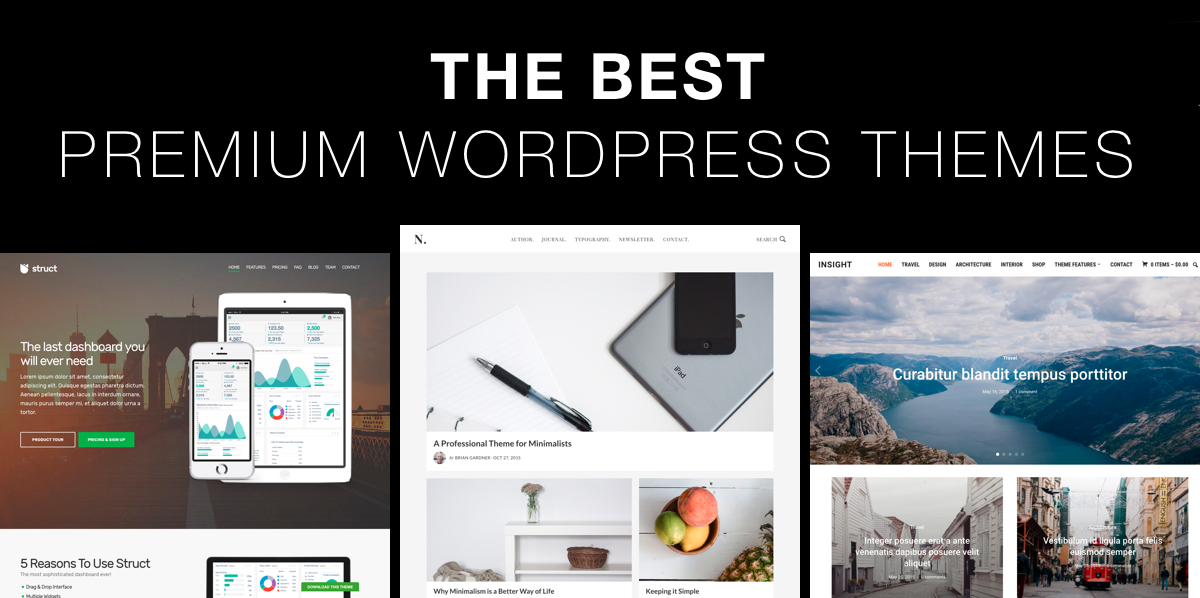
These are collections of the best premium WordPress Themes. There are loads of excellent free and premium WordPress themes available but finding the ‘best’ one can still be a challenge. What is the best WordPress theme? Well that depends. If a certain theme has the design you like and does everything you need, then that might just be the best one for you.
There are also other considerations of course besides just choosing a theme that looks good. You need to also consider aspects such as the quality of coding, adhering to WordPress standards and best practice, reputation of the developer for updates and support, separation of design and functionally (i.e. not including functionality in the theme that is best provided by a plugin) etc.
To make it easier to find the right premium WordPress theme we’ve hand selected the very best WordPress themes out of the thousands in the marketplace and compiled galleries of the best WordPress themes currently available for each specific website style or purpose. These themes are from reputable developers we trust. The dynamic galleries below are continually updated with the highest quality professional WordPress themes.
Multi-Purpose WordPress Themes
Themes that can be used for a wide range of websites.

Magazine WordPress Themes
Best magazine WordPress themes for online news or magazine sites.

Business WordPress Themes
Best business themes for small business and company websites.

Video & Multimedia WordPress Themes
Best video WordPress WordPress themes for video & multimedia sites.

Portfolio / Photography WordPress Themes
Best photo and portfolio WordPress themes for photographers and artists.

Blog WordPress Themes
Best blog style WordPress themes for bloggers and writers.

Premium WordPress Theme Frameworks
Best premium WordPress theme frameworks and website builders

Minimalist WordPress Themes
Best clean and minimalist WordPress themes

Responsive WordPress Themes
The best mobile friendly, fully responsive WordPress themes
Purpose Built WordPress Themes
Themes built specifically for certain niches and applications.

Ecommerce WordPress Themes
Best ecommerce WordPress themes for online stores and shops

Church WordPress Themes
The best church WordPress themes for church websites

WordPress Real Estate Themes
The best WordPress themes for real estate websites

WordPress Music Themes
Best music WordPress themes for bands, musicians and the music industry

Restaurant, Cafe, Coffee Shop & Food WordPress Themes
The best restaurant WordPress themes for food industry websites

Accommodation & Hotel WordPress Themes
Best WordPress themes for hotel, motel, resort and accommodation sites

Travel WordPress Themes
The best travel WordPress themes for travel businesses and travel bloggers
Food WordPress Themes
The best food WordPress themes for foodies and food bloggers

Pinterest WordPress Themes
The best Pinterest like WordPress themes

WordPress Themes for Women
Beautiful feminine WordPress themes for women.

Non Profit WordPress Themes
The best charity and non profit WordPress themes.

Education WordPress Themes
Themes for schools, colleges, universities and education websites.

Political WordPress Themes
The best political WordPress themes for politicians

Health & Medical WordPress Themes
The best health and medical WordPress themes

Crowdfunding WordPress Themes
The best crowdfunding, crowd sourcing and fund raising WordPress themes

Conference & Event WordPress Themes
Best WordPress themes for event, function and conference websites.

Green / Organic / Environmental WordPress Themes
The best environmental, eco-friendly, and green WordPress themes

Lawyer WordPress Themes
The best law WordPress themes for lawyers and law firms

WordPress Themes for Startups
The best WordPress themes for startups and new companies
More Niche Theme Collections
Comprehensive collections of other niche WordPress themes
Overview of the Best WordPress Themes
Lets take a look at some of the best premium WordPress themes available.
Divi
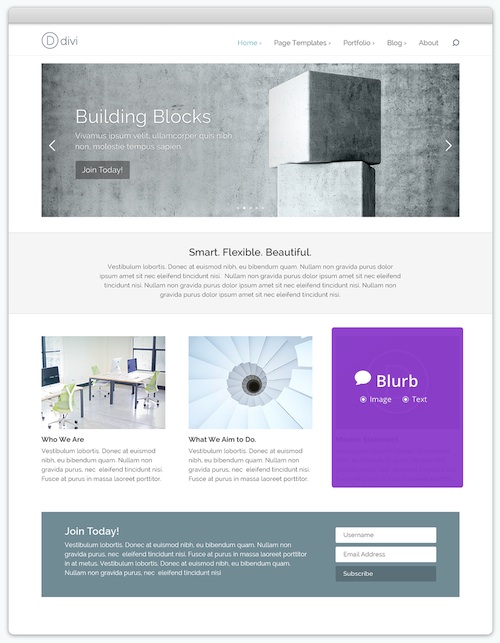
Divi is a smart, powerful and extremely customizable WordPress theme builder. The flagship premium WordPress theme from Elegant Themes has an extensive set of features and options giving you complete creative control to build any type of mobile friendly responsive website exactly the way you want. Divi is probably the only theme you will ever need!
The core of Divi is the Divi Builder – an advanced drag and drop layout builder that allows you to create beautiful and unique layouts visually, without touching a single line of code. There’s no limitations to how layouts can be customized and arranged, giving anyone the ability to create truly dynamic websites with ease.
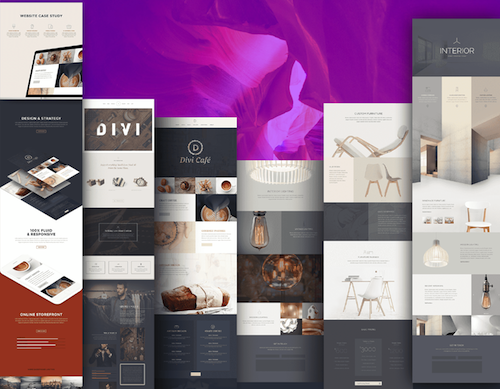
Some of the other key features and benefits of Divi include: 20 pre-made layouts, ability to create and save your own layouts, extensive module options with the drag and drop layout builder, fully mobile responsive, rock solid security, lots of header and navigation options, fully translated inside and out, full RTL support, one-page website option, beautiful portfolio and product page layouts, WooCommerce ready, video and parallax background options, 300+ elegant icons, unlimited color options, and much more.
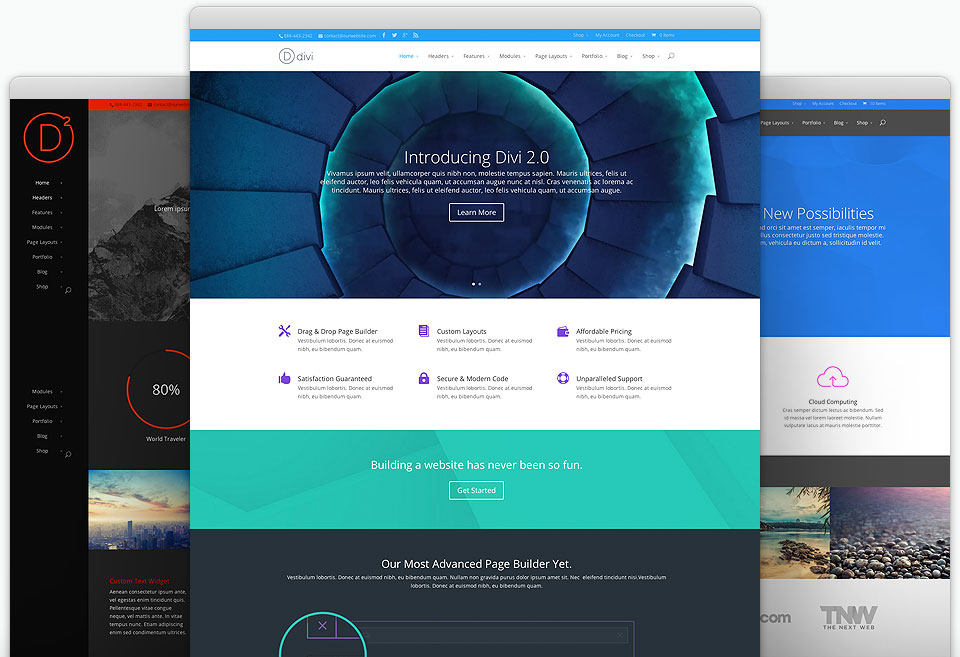
Some of the possibilities with Divi
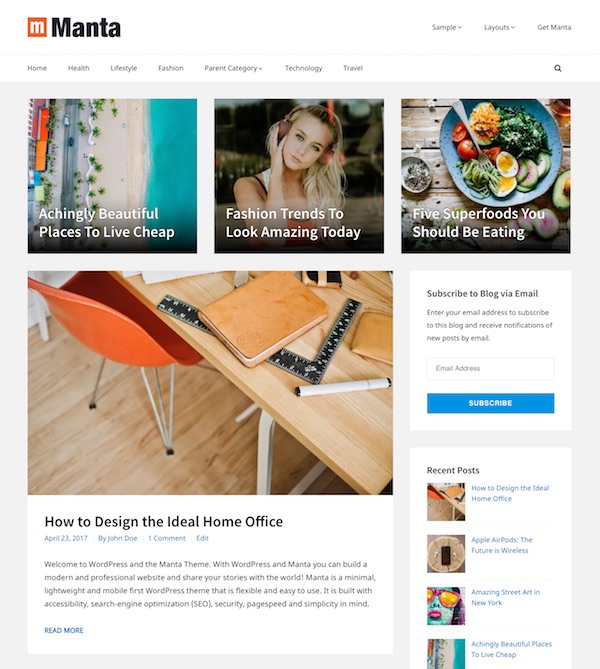
Manta
Manta is a free WordPress theme that is flexible, lightweight and easy to use. It has a mobile first responsive design that is clean and minimal, and be used for all types of blogs, online magazines, and even business or project websites, Manta comes with handy customization options, various post / page layout options, customizable header and footer, lots of different thumbnail display options, boxed or full width layouts, featured post sections, various menu locations, custom widgets and more.
The theme is coded to strict WordPress.org standards and is accessibility ready. It uses the most current HTML5 conventions, Schema.org microdata and built with search engine optimization (SEO), page speed and simplicity in mind. Manta makes the ideal foundation or base for any type of WordPress website.
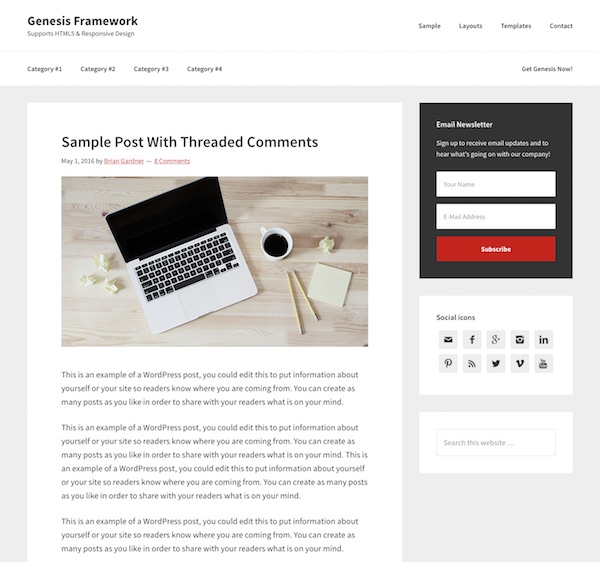
Genesis
Genesis is a highly optimized, flexible and secure WordPress theme with convenient layout and design options built-in. Genesis has state of the art code and smart design architecture to ensure your website and content is search optimized, and your content ranks higher in the search engines.
Genesis uses all standard WordPress functionality so unlike many themes you’re not “locked-in” to this developer’s theme system, making it easy to switch to something else later on if you want. Genesis also follows all WordPress security best practice and is audited by the WordPress Lead Developer to ensure it has the best security possible.
Genesis makes it easy to customise and manage your site with features such as: mix-and-match layout options for individual pages and posts, convenient custom widgets, automatic framework updates, custom menus, custom headers and backgrounds, a comprehensive theme options panel and more.
While Genesis works great as a standard blog WordPress theme it’s also a top quality WordPress framework. StudioPress and other developers have lots of great turn-key designs (child themes) available for Genesis so you can easily change your design if you wish. If you build with the core Genesis theme you can then add child themes to easily change your design any time without losing anything or hurting your search engine rankings.
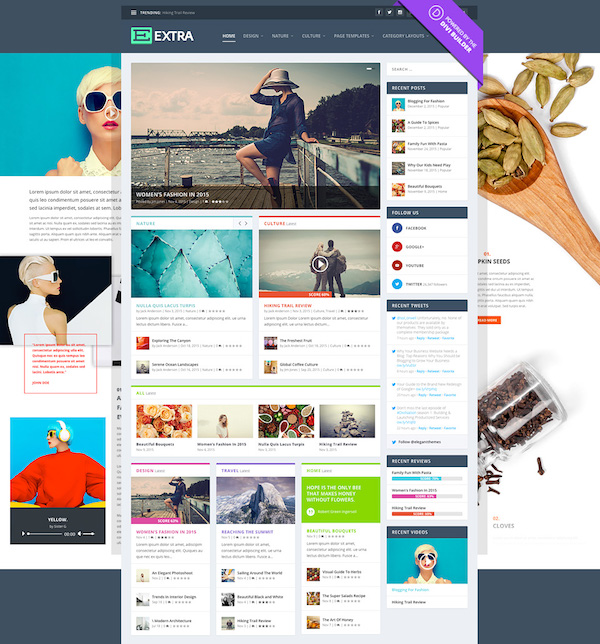
Extra Magazine
Extra is a powerful, stylish and completely customizable magazine WordPress theme from Elegant Themes. Powered by the Divi Builder framework, Extra has been designed specifically for the needs of bloggers and online magazine publications. With Extra you can build countless custom homepage and category layouts as well as create stunning story-driven posts all using the easy drag and drop Divi Builder interface.
Some of the other key features and benefits of the Extra theme include: a fully mobile responsive design, post and page builder, built in ratings and review system, WooCommerce compatibility and styling, social media integration, advanced drag and drop layout control and advanced design settings for total customization and control, products and projects custom post types and templates, lots of header options, advanced mega menus, custom widgets, custom page templates and post formats, advertising options and much more. Extra really is one of the most impressive magazine WordPress themes available. Check out all the features here.
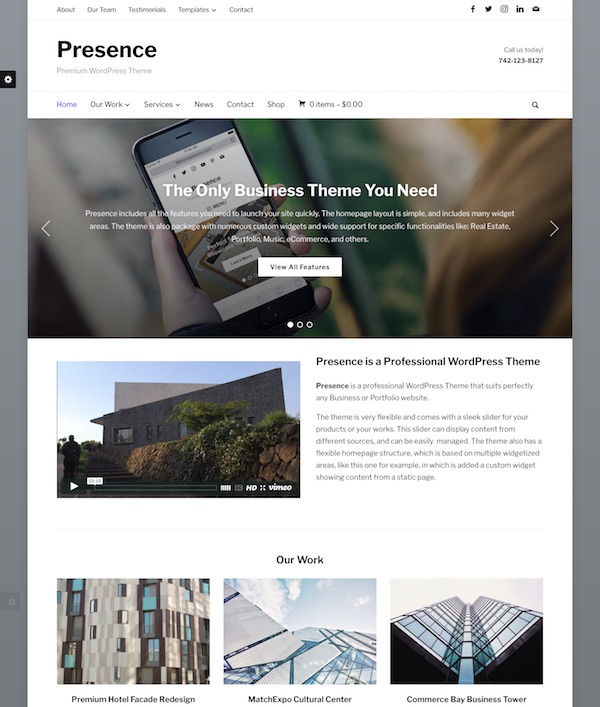
Presence
Presence is a versatile and powerful multipurpose WordPress theme from WPZOOM. Designed to be a “starting point” theme suitable for any type of blog or website project it includes heaps of features, options and design controls that enable you to easily customize and style it as you like to suit your specific needs. Presence is perfectly suited for the “enthusiasts” that would like to be able to create a website on their own without having to touch one line of code.
Some of the key features and benefits of the Presence theme include: lots of customization options (controls for colors, backgrounds, font styles, font sizes etc), drag and drop visual page builder (Unyson framework), multiple header layouts, boxed or full width layouts, WooCommerce support, numerous slider styles, 4 different blog layouts, JetPack portfolio, fully responsive, custom widgets, Events Calendar integration, infinite scroll option and more.
It also includes functionality for specific industries and use. For example Real Estate (listings, search widget, agents page, IDX support), Music (music bar, upcoming shows, playlists), Hotels (page builder, testimonials, gallery), Portfolio (JetPack portfolio support, page builder, team members)/
Presence is a really impressive and powerful WordPress theme that includes everything you need to create a professional blog or website. You can use it for business, an online ecommerce shop, hotel, real estate, education, music, magazine, church, portfolio, project or any other type of website.
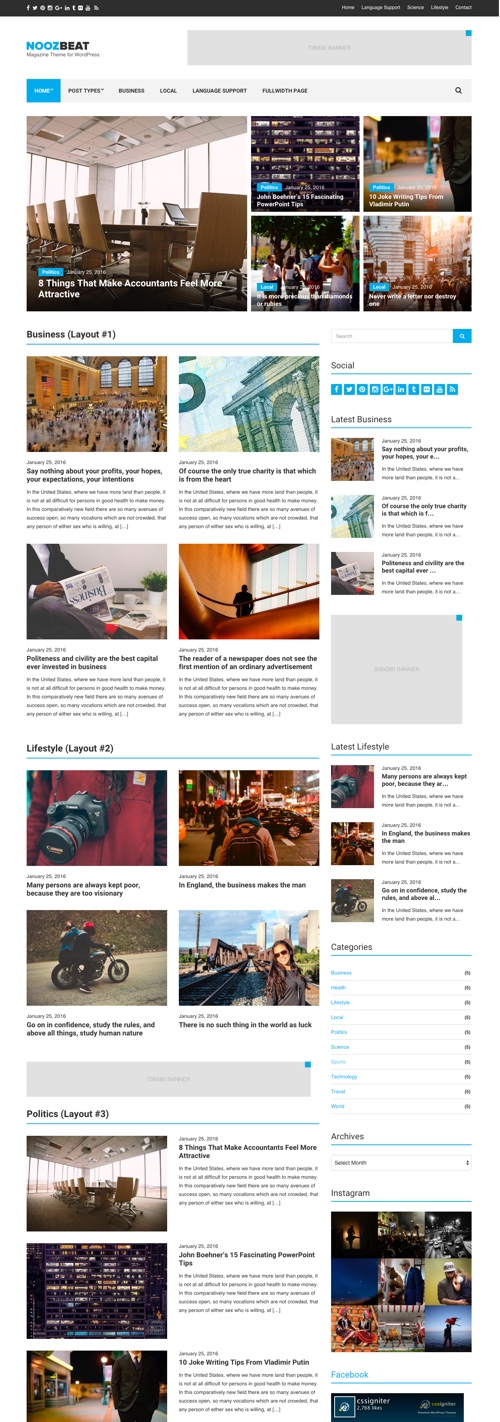
Noozbeat
Noozbeat is a news / magazine WordPress theme from CSSIgniter designed for news or magazine websites. The premium theme has a professional and attractive design that’s minimal enough to ensure you can display lots of content in a clear and easy to digest manner. It is mobile friendly and also comes with lots of handy features, layout options and customization options.
Some of the key features and benefits of the theme include: WordPress Customizer panel (80+ customization options for things like homepage layout, backgrounds, text, heading colors, logo etc), unlimited color options, customizable homepage layouts, multiple category layouts, three different post header layouts, built-in review and rating system, integration social sharing functionality, integrated advertising placements, custom widgets, speed and SEO optimized, translation ready and more.
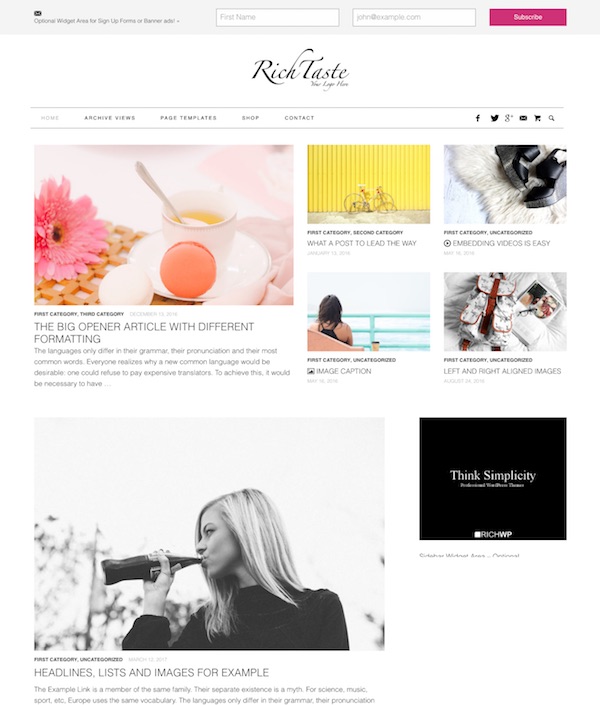
Rich Taste
Rich Taste is a multipurpose blog and magazine WordPress theme from RichWP. The premium theme has a clean white minimalist design and ideal for food, fashion, lifestyle or any other type of online magazine or blog. The theme is fast preforming and easy to work with and also features handy theme options for simple customization, mobile responsiveness, custom page templates, useful widget areas, WooCommerce ready and more.
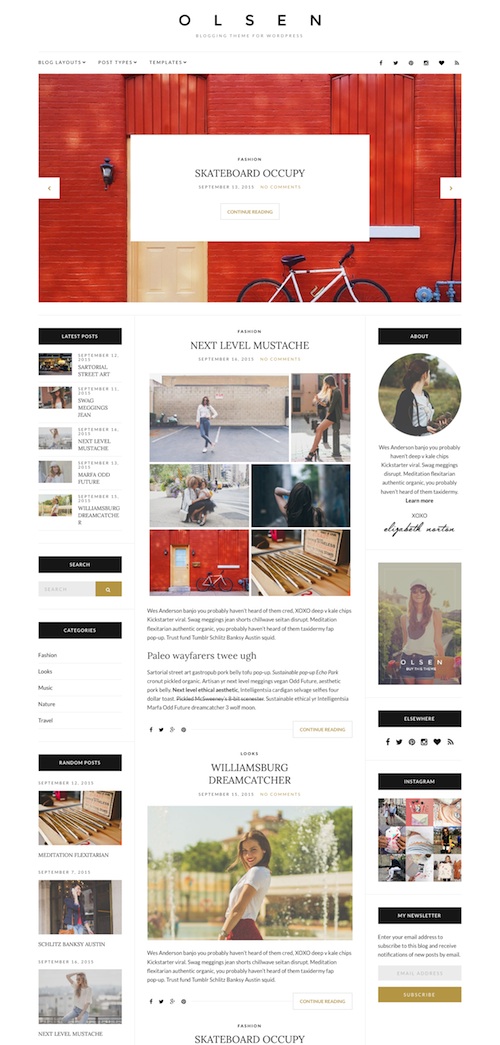
Olsen
Olsen is a beautiful blogging WordPress theme with a mobile friendly responsive design. The premium theme from CSSIgniter has a professional and minimalist design built with fashion and lifestyle bloggers in mind but could be used for any type of blog. Some of the key features include: WordPress Customizer support for customizations (80 Customizer settings), 11 distinct layouts for your home and blog related pages, 5 post formats, custom widgets, SEO and speed optimized, lots of style variations (20+ color and typography settings), translation ready and more.
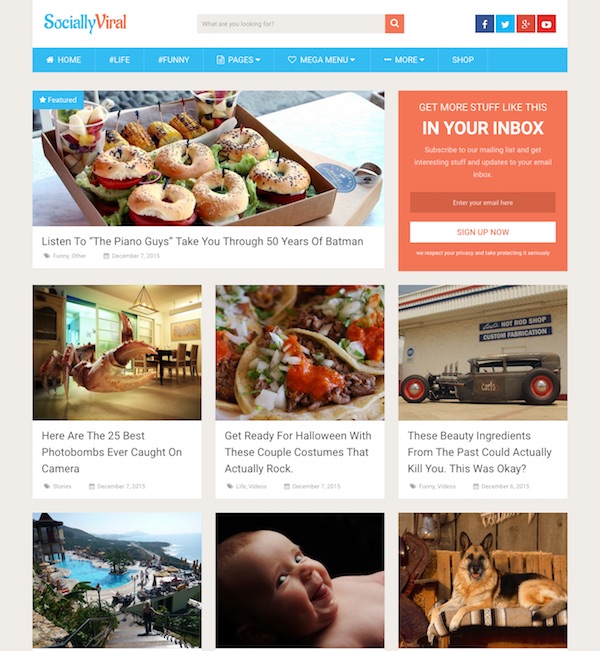
Socially Viral
Socially Viral is a blog / magazine style WordPress theme from MyThemeShop with a simple clean and beautiful design built to be engaging, fast and boost viral traffic. It puts a strong focus on pictures and the social sharing aspects in order to attract people’s attention and then get them to share your content. The homepage is designed to be as attractive as possible with large featured thumbnails with post titles to entice people to click through and read articles.
Some of the key features and functionality of the theme include: mega menu system, large featured posts, review system, prominent social share buttons, subscription box, fully responsive design, fast loading, unlimited sidebars, unlimited colors and background options, advanced typography options, Schema support, author box, integrated AdSense spaces, parallax scrolling, breadcrumbs, and more.
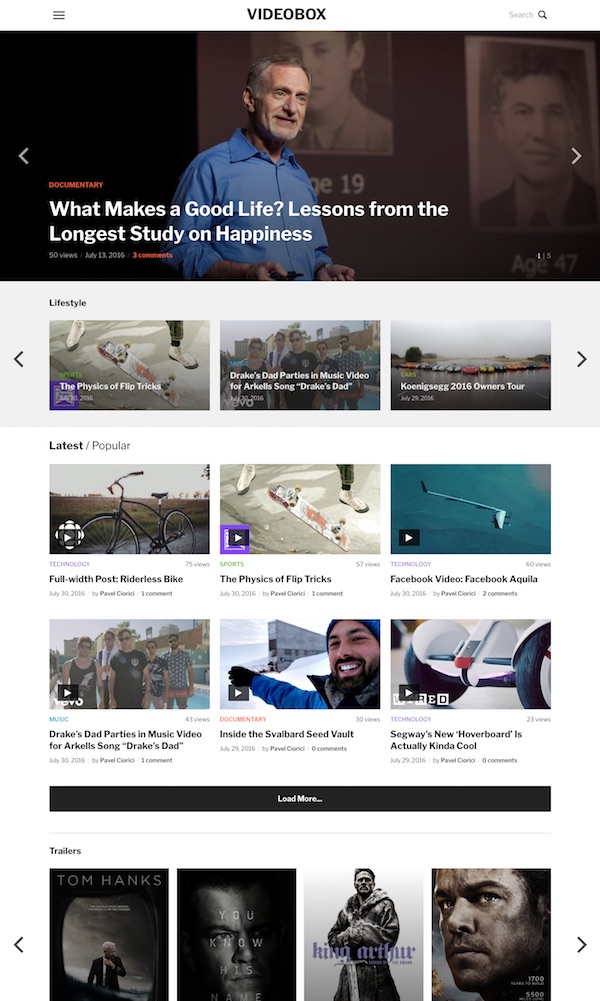
VideoBox
VideoBox is a fantastic video WordPress theme from WPZOOM perfect for showcasing your video content on any device. The premium theme is highly customizable and has a beautifully clean, bold and modern design that will impress visitors. It supports video embeds from 99% of video sharing websites including YouTube, Vimeo, Facebook, DailyMotion, and many more. Other notable features include: automatic video thumbnails, a customizable widgetized homepage, popular video tab, carousel widget, WooCommerce support, multiple header layouts, customization options (colors, fonts, backgrounds, logo etc), featured images for categories, and much more.
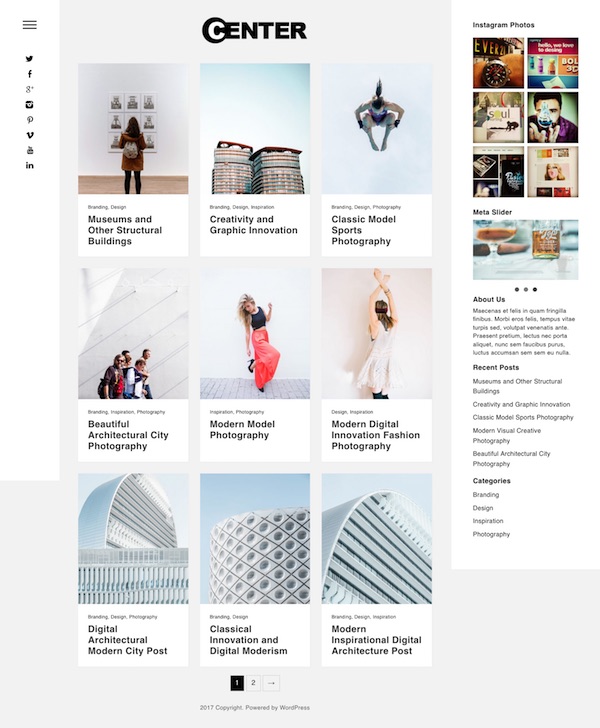
Center
Center is a responsive WordPress theme for portfolios and blogs. The premium theme from Dessign.net has a clean and minimalist design that nicely uses featured images and limited text for maximum visual impact. It features custom color options, Google fonts, responsive background, theme options, and more.
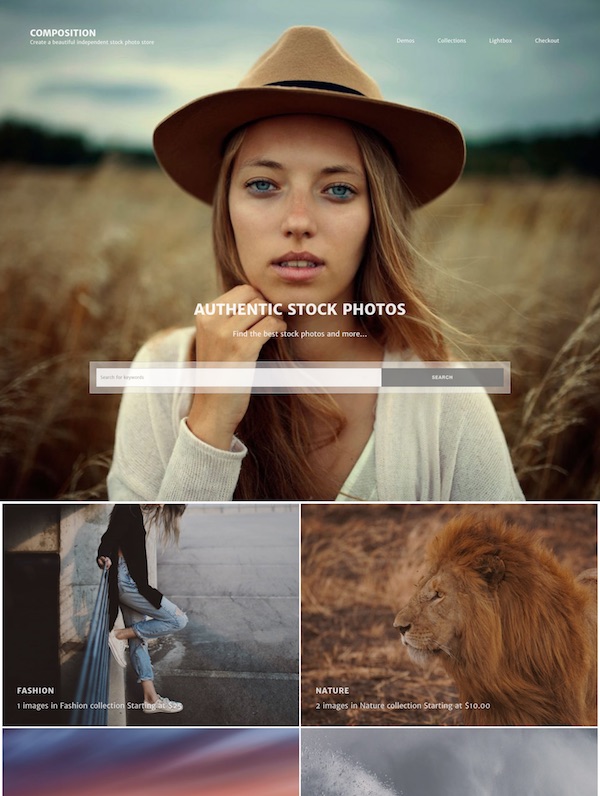
Composition
Composition is a multipurpose WordPress theme from Graph Paper Press designed with maximum flexibility in mind for building any kind of website. The theme has all the right ingredients, features and options for building a blog, business site, online store, portfolio, blog or anything else. There are over 100 features packed into the theme so you can easily create what you want. Features include: a customizable homepage, mega menus, header slideshow, theme customizer options, unlimited galleries and masonry layouts, call to action, build custom page layouts, showcase clients and services, sell products, automatic updates, custom logo, footer widgets and much more.
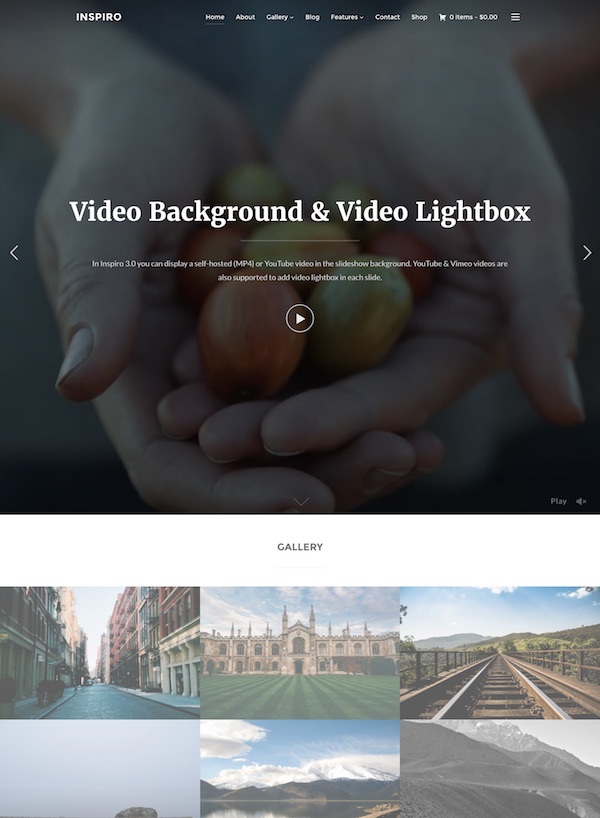
Inspiro
Inspiro is a beautiful photography and video focused WordPress theme from WPZOOM. The premium theme has a modern and stylish design perfect for showcasing your images and video. It’s packed with handy features such as a fullscreen slideshow, gallery module, widgetized homepage, mobile responsive layout, WooCommerce support and more.
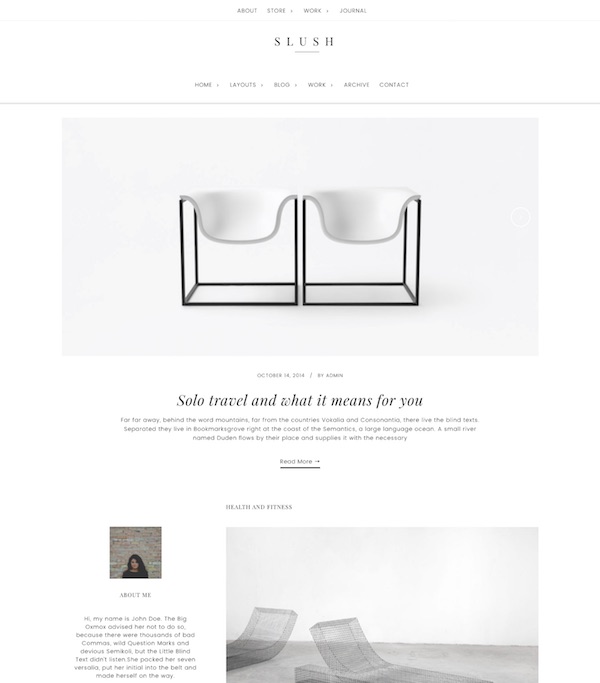
Slush
Slush is a portfolio WordPress theme for professionals, bloggers and freelancers. It’s a child theme for the Genesis Framework. The premium theme from ZigZagPress has a clean, elegant and mobile responsive design that will ensure your content really stands out. It comes with handy theme options for full control of the themes features, mobile responsive, SEO optimized, extra templates and shortcodes and all the other features and benefits of the powerful and rock solid Genesis theme itself.
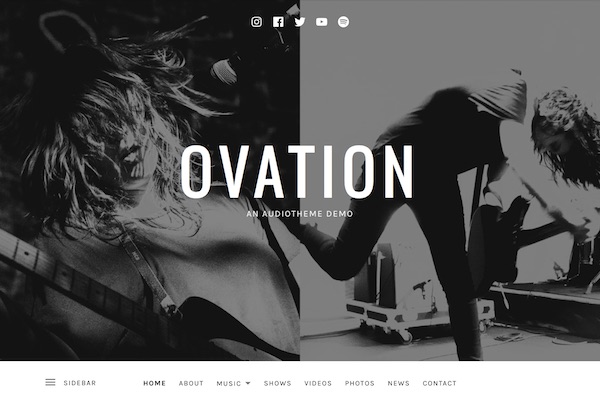
Ovation
Ovation is a beautiful music WordPress theme from AudioThemes. The premium theme allows you to build a stylish and immersive music website for bands or musicians. Design wise it features a front page section layout, media rich header, custom fonts, and parallax-like scrolling effects. It also supports all the functionality required in a music website via the excellent AudioTheme plugin – for displaying gigs, discography, single records and tracks, video library and more.
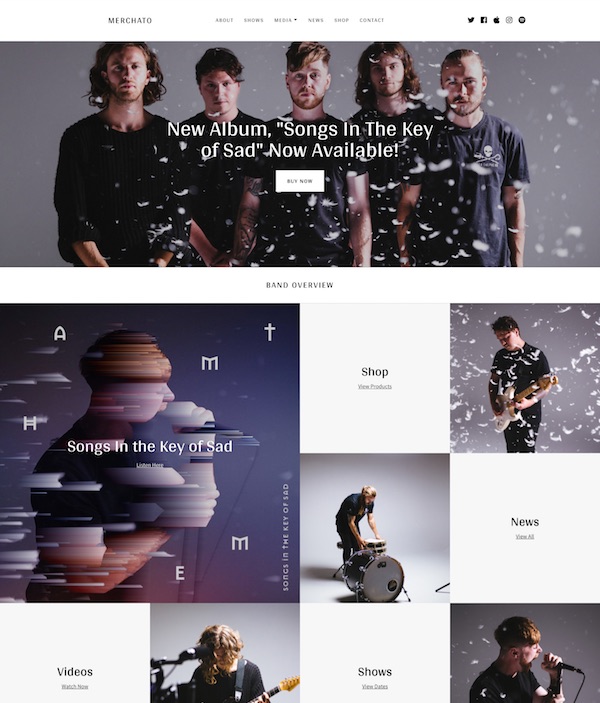
Merchato
Merchato is a music and band ecommerce WordPress theme. The premium music theme is from AudioTheme by being sold on ThemeForest. It has a unique, mosaic type design ideal for creating a stylish, engaging, and media rich website for bands and musicians. It integrates seamlessly with the number one WordPress music plugin – AudioTheme, as well as the top WordPress ecommerce plugin – WooCommerce.
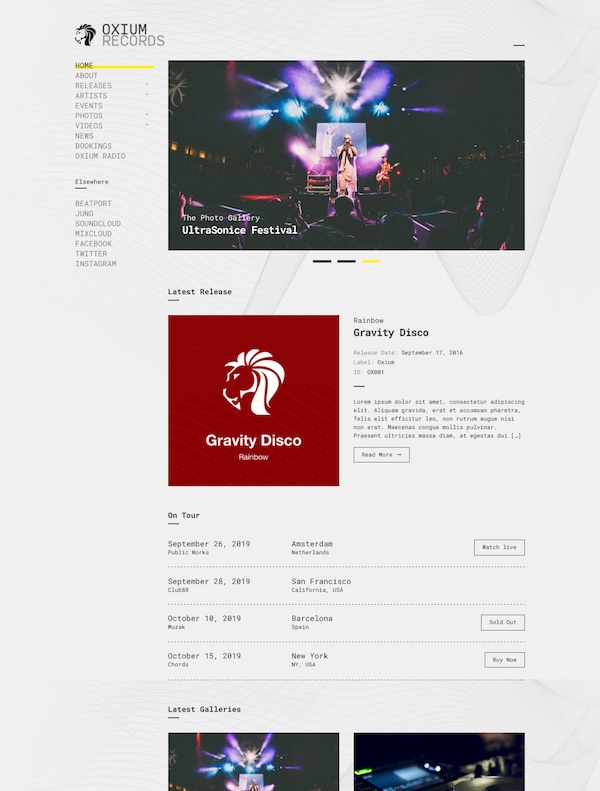
Oxium
Oxium is a music WordPress theme for bands, musicians, DJ’s, event organizers, nightclubs, and anyone else in the music industry. The premium theme from CSSIgniter has a unique and simple design that allows you to promote your music and showcase your latest tour dates, photo galleries, music videos and news. Some of the key features include: drag and drop homepage, full support for the AudioIgniter plugin (for easy playlist creation and music embedding), visual customizer controls, custom widgets, post types (for Artists, Events, Discographies, Videos, Galleries), powerful options and more.
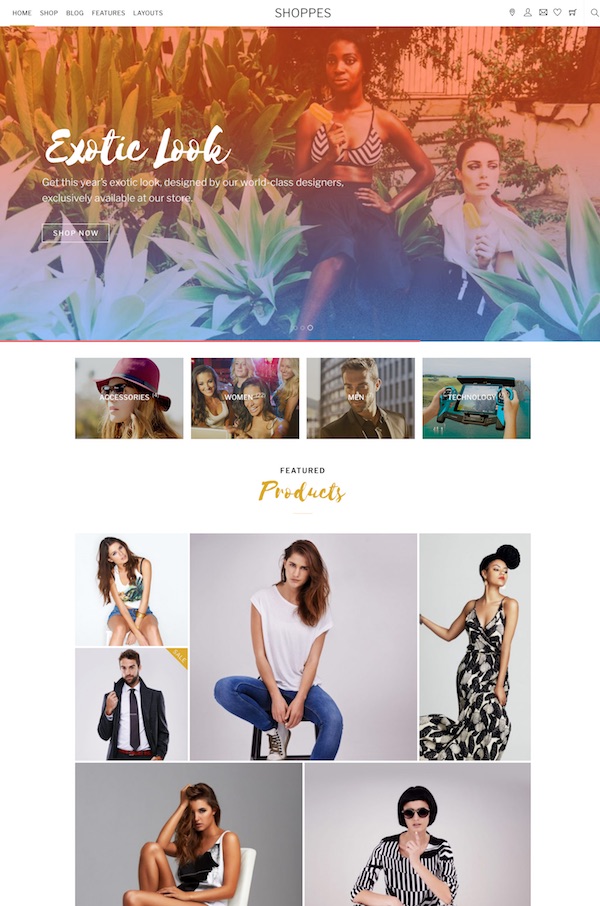
Shoppe
Shoppe is a multipurpose WooCommerce WordPress theme from Themify. The premium theme allows you to build a professional ecommerce site quickly and easily. It comes with the drag and drop Themify Builder, lots of layout options and many cool ecommerce features such as ajax cart, wishlist, quick look lightbox, ajax quick search, product image zoom/gallery and more.
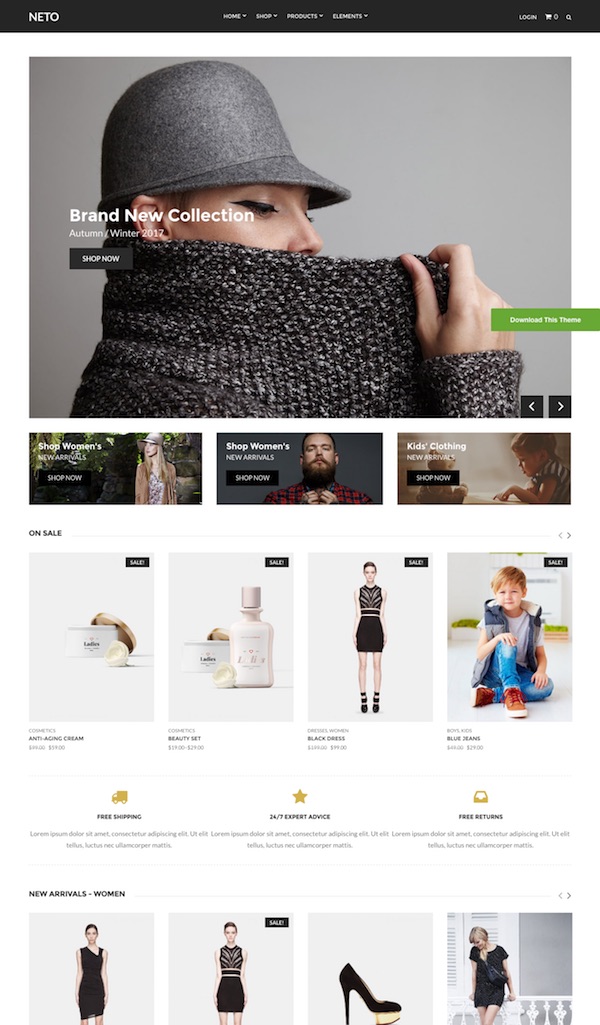
Neto
Neto is a beautiful WooCommerce theme for WordPress. The premium theme from CSSIgniter has a professional and minimalist design that allows you to create a state of the art ecommerce super store powered by WordPress and WooCommerce. It offers a flexible layout, visual composer support, powerful options, custom widgets and more.
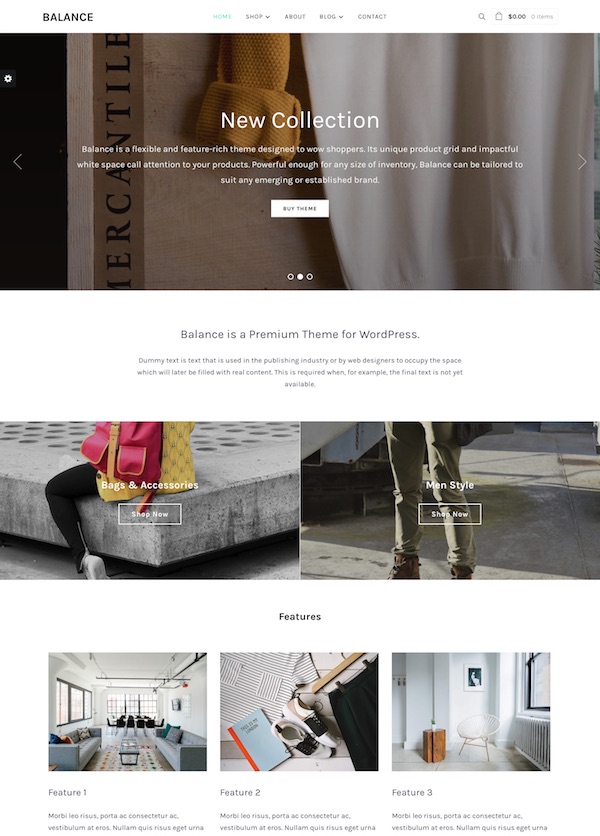
Balance
Balance is a flexible and feature rich ecommerce WordPress theme. The premium theme from WPZOOM is designed to entice shoppers with a unique product grid and impactful white space that beautifully showcases your products. The theme is fully compatible with excellent free WooCommerce plugin and also features a drag and drop page builder, theme options and visual customizer to easily personalize and match your style, unique cart widget in the header, multiple blog layouts, full width background sections, sticky header, control image aspect ratios, mobile responsive and more.
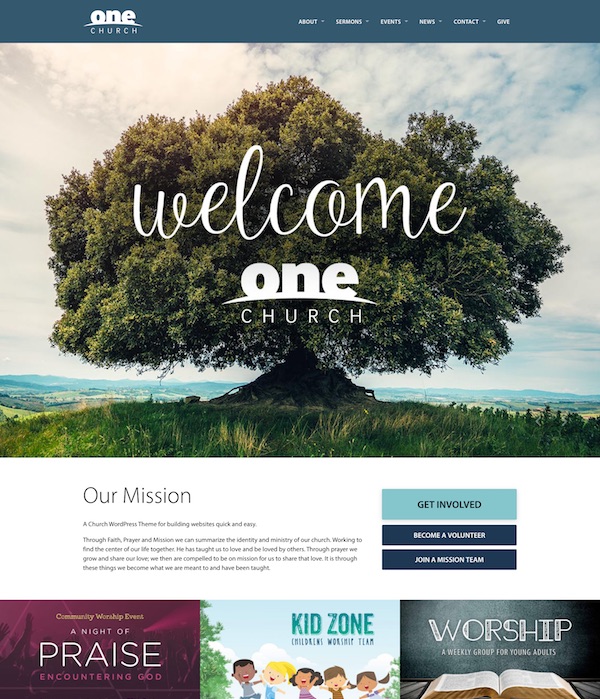
One Church
One Church is a fantastic church WordPress theme with a modern and user-friendly design with lots of great features specifically for church websites. The premium theme from UpThemes is mobile responsive and has drag and drop content editing. It allows you to publish sermon videos, audio and full text, display a directory of church staff, church locations and service times, list speakers and group by topic and series, and also comes with powerful event management functionality.
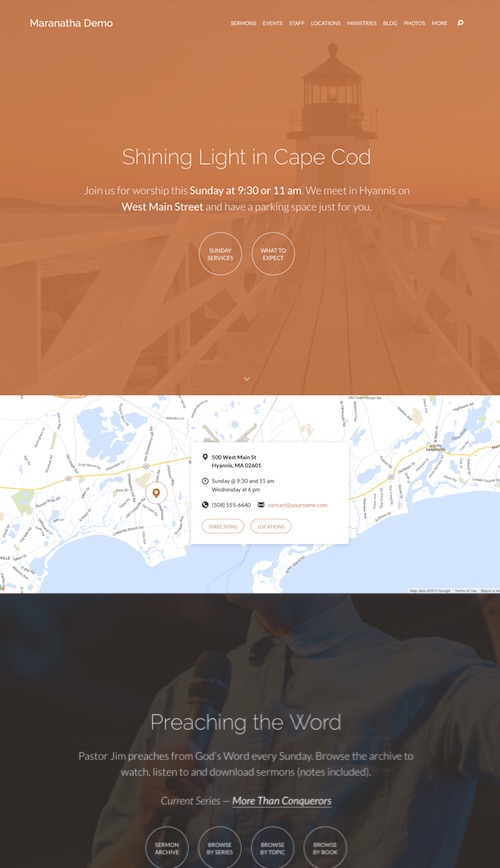
Maranatha
Maranatha is a church WordPress theme with a beautiful design and heaps of innovative features that will allow anyone to build a great looking full featured church website quickly and easily.
The premium theme from churchthemes.com has a mobile friendly responsive design optimized for mobile phones and tablets. Design wise it has a long homepage with drag and drop sections, parallax inspired scrolling effects, a sticky navigation menu, custom header images, custom styled maps, custom fonts with great readability, section navigation (a compact menu specific to each section helps users navigate sermons, events, etc), a sticky notice bar option, and WordPress customizer integration to easily customize the design’s colors, fonts and other elements with a real-time preview.
The Maranatha theme also includes a lot of great church specific content features including: sermon archive (share audio, video and text sermons and the compact menu allows for easy navigation by topic, series, book, speaker and month), sermon podcasting, events calendar (display events as calendar or list. Set weekly, monthly or yearly recurrence. Show maps, directions and categories), ministries (create a listing of your ministry pages), locations (single or multiple locations with service times, map/directions and photo tour), staff and leaders page, photos and video gallery, church blog page, footer map and widgets, and more.
Gear
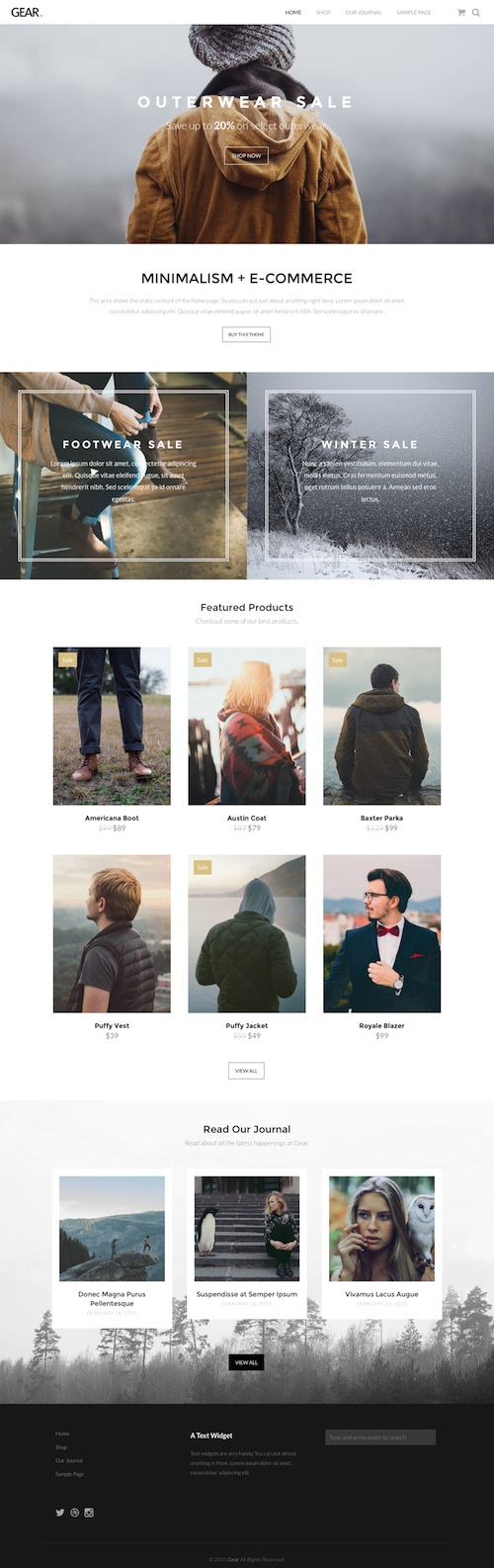
Gear is a beautiful ecommerce WordPress theme with a sleek and minimalist design. The premium theme from Theme Trust is built for seamless integration with WooCommerce and the clean and minimal design is crafted to simplify the job of selling products online. It would be suitable for all types of stores and products.
The homepage has a large slideshow with parallax scrolling and sections to display information, featured products and news. It has a responsive layout so its mobile friendly and will automatically adjust to look great on all screen sizes and devices. Some of the other notable features of the theme include: shortcodes (via a plugin for slideshows, buttons, toggles, tabs, columns etc), logo upload, localization support, video support, theme customizer (to change aspects of the design), sticky navigation menu and more.
Demo & Release Page | Download
Amalie
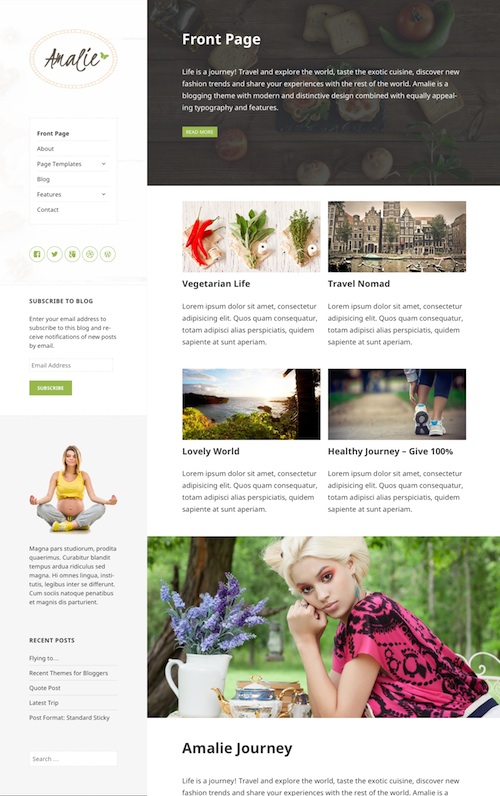
Amalie is a beautiful and feature rich blogging WordPress theme built upon the free default 2015 WordPress theme – Twenty Fifteen. The premium theme from Anariel Design has a clean and classy design ideal for any type of blog. It would be perfect for travel, food, lifestyle, personal, and other niche blog topics.
Some of the key features of the theme include: a custom homepage with featured section and grid blog layout, large featured images, mobile responsive layout (so its mobile friendly and looks great on all screen sizes), a number of custom page templates, premium Soliloquy slider, WooCommerce support, widget areas, theme customizer options, WPML compatible, translation ready and more.
Demo & Release Page | Download
Dolce
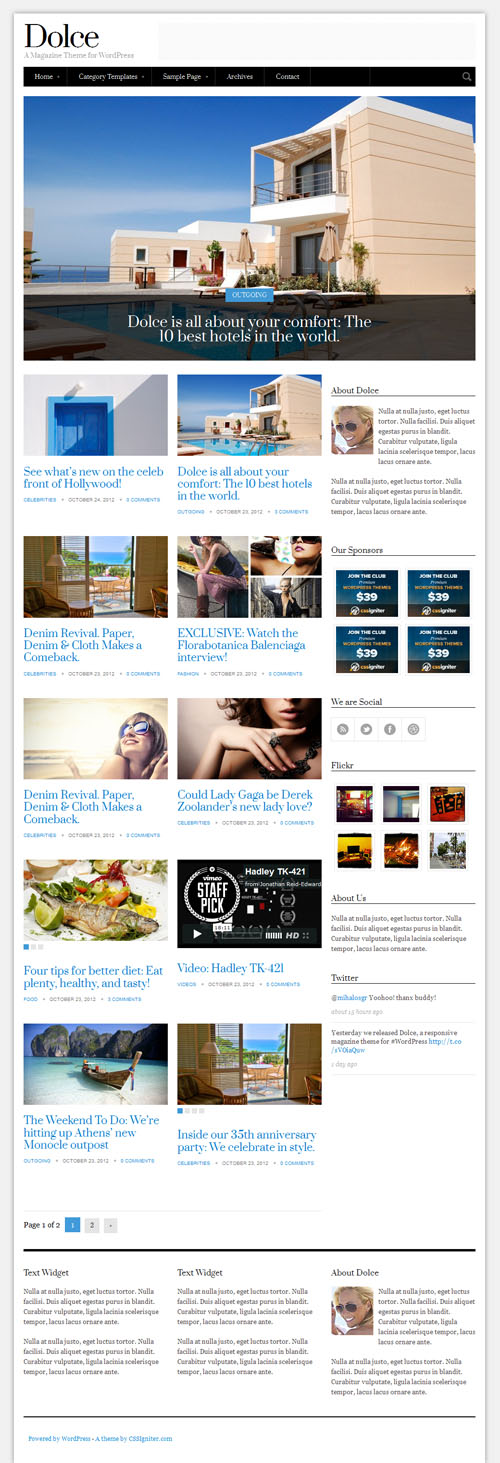
Dolce is a simple and stylish responsive blog magazine WordPress theme from cssigniter. The premium has a minimal but sophisticated design ideal for any type of blog or magazine website. It has 6 homepage layout options from a traditional blog layout to various magazine style designs with slider and featured articles sections. Dolce has Post Formats so you can select between normal articles, galleries and videos for your posts. Other features include numerous custom widgets, shortcodes, settings options panel and of course the responsive design so it will look perfect on tablets, mobile phones and all other devices.
Demo & Release Page | Download
Still Cant Find The Right Theme?
See the premium WordPress themes collections for all the best premium themes organized by style / niche.
- Readers Rating
- Rated 4.4 stars
4.4 / 5 ( Reviewers) - Outstanding
- Your Rating
